Conversations that become canvases.
Any chat can fork into a node. Any node expands back into a chat. One fluid surface, zero context-switching.
PromptThreadSummaryResearchDraft
Live signal, workspace memory, prompt optimization, and shipped actions stay on one canvas instead of getting lost across tabs.
Built inside the same product shell: project fonts, platform screenshots, and the live theme system all carry through here.
One canvas. Multiple signal sources.
Teams shipping faster with Blubsy
Features
Chat, canvas and content all in one place, so ideas stop dying in tabs.
Any chat can fork into a node. Any node expands back into a chat. One fluid surface, zero context-switching.
Swap GPT, Claude, Gemini or your own fine-tune mid-thread. Blubsy keeps the context, you keep your flow.
Group nodes into boards for launches, research or content calendars. Share a view, hand off a build.
See teammates' cursors, reactions and edits on the canvas. Sub-40ms sync that actually feels live.
End-to-end encrypted boards, SOC 2 Type II, EU + US data residency. Your ideas stay yours.
How it works
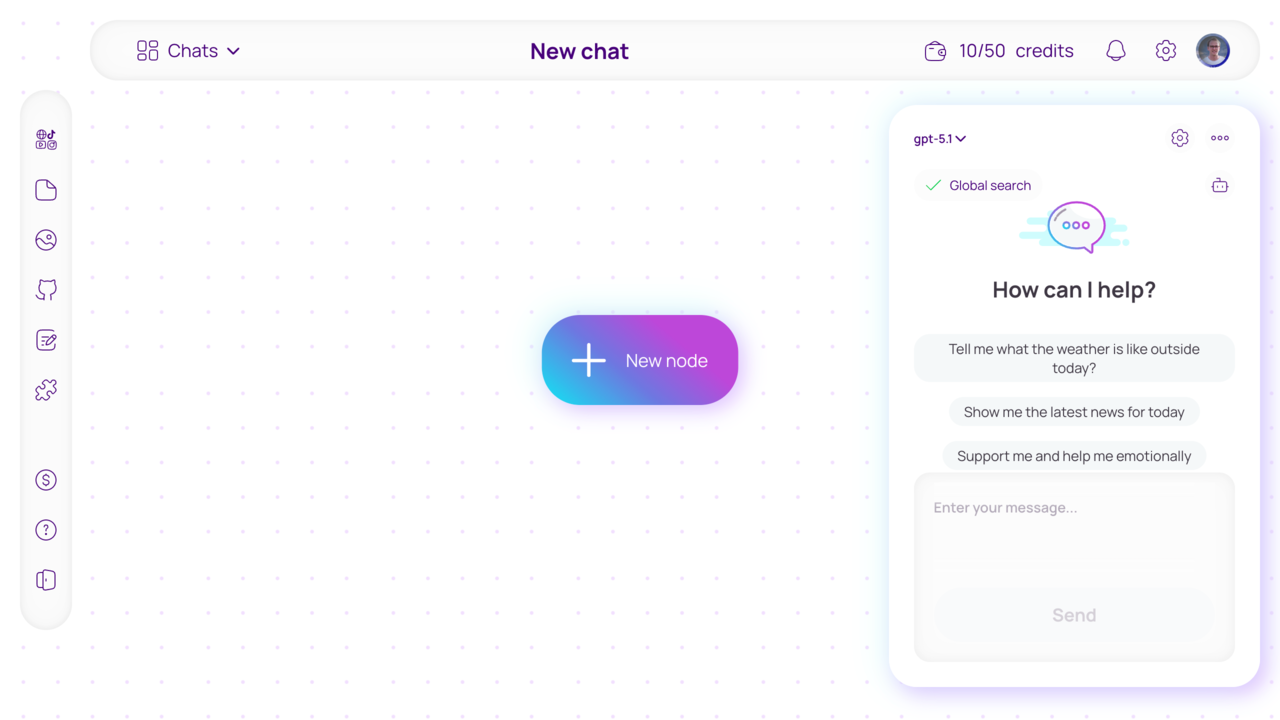
The poster-style hero now leads into a real product sequence instead of another generic marketing block.
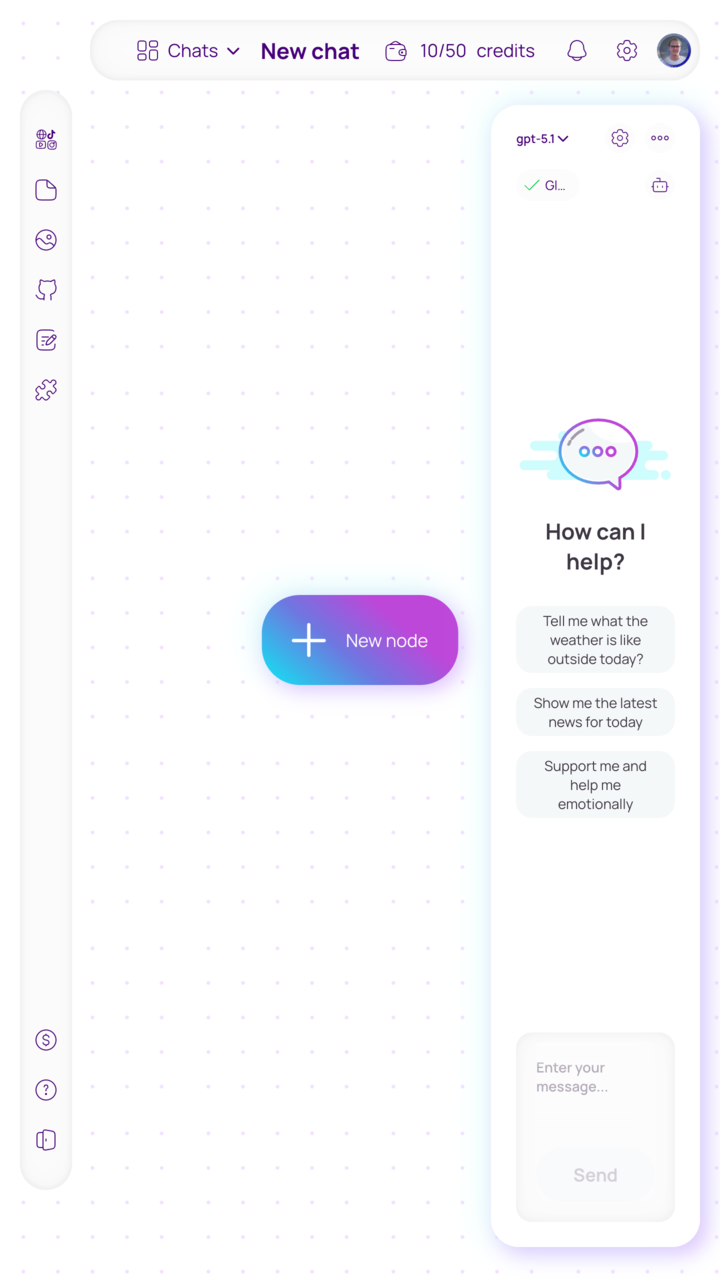
Desktop and mobile previews come from the real platform assets, so the page keeps the same language as the workspace.
Ask the first question, tune the angle, and keep the central thread clean before you branch anything outward.
Bring memory, docs, notes, images, and search around the chat so the answer is grounded in actual inputs.
Turn the strongest branch into a reusable node with a clearer prompt, cleaner scope, and a visible place on the canvas.
Hand the result to GitHub, Telegram, or the next workflow step without losing the reasoning that produced it.
Setup
Until pricing is locked, the landing should stay product-focused. This block explains how teams enter Blubsy instead of inventing numbers too early.
Open the canvas immediately and start shaping live signal, memory, and nodes in one place.
Bring design, product, and ops into the same readable surface before you wire everything deeper.
When you need tighter process, deeper admin control, or a custom workflow layer, start with a guided setup.
Need a custom rollout or onboarding plan? Start in the workspace and shape the right setup from there.
Multiple signal sources
Model access is the easy part. The harder part is keeping signal, memory, and action on one surface people can actually use.
The canvas stays light, while the workflow gets deeper: live signal on one side, memory around the middle, and actions ready to leave the board once a branch is strong enough.
Responsive on mobile and desktop. The existing product workspace still lives on its dedicated app route.Start here
Blubsy is strongest when chat, context, and outbound actions live in the same rhythm.